Why did my "Thread/Thread Starter" Section Get so Wide?


Thread Starter
Go Hawks!
iTrader: (1)
Joined: May 2004
Posts: 1,952
Likes: 3
From: Cedar Rapids, Iowa
Why did my "Thread/Thread Starter" Section Get so Wide?
A few weeks ago, the width of the "Thread/Thread Starter" section of my forum display grew and now unless I make my browser full screen I have to scroll back and forth to see all the columns to the right. Anyone know why this happened, and how I can change it?
Thanks,
Rich
Thanks,
Rich


 too
too





djessence
Joined: Aug 2007
Posts: 2,063
Likes: 0
From: Alberta, Canada
What resolution are you running on your moniter. Its almost like the site is set up for wide screen laptops(most) and widescreen moniters.
I Dont have this trouble on any of my computers(widescreen with 1440x900 res) but if i use work or school square moniters i have to scroll
I Dont have this trouble on any of my computers(widescreen with 1440x900 res) but if i use work or school square moniters i have to scroll


Trending Topics


it's due to the length of the title in thread i am sure. it's what happens when someone maxes out charater support and this Board doesnt support WORD WRAP.
happens alot in For sale section too. this must be fixed by an admin.
happens alot in For sale section too. this must be fixed by an admin.
Thread Starter
Go Hawks!
iTrader: (1)
Joined: May 2004
Posts: 1,952
Likes: 3
From: Cedar Rapids, Iowa
Rich
djessence
Joined: Aug 2007
Posts: 2,063
Likes: 0
From: Alberta, Canada
Did anyone reinforce/tear down my theory of setting this forum up for widescreen moniters vs square moniters.
As i said, i have widescreen computers and i have no problem. If i use school or work computers (which have square moniters) i have to scroll.
So maybe the site maker switched it up?
As i said, i have widescreen computers and i have no problem. If i use school or work computers (which have square moniters) i have to scroll.
So maybe the site maker switched it up?

Not a problem on my computer at home or work, work is a square display, home is a wide screen. Also not a problem whether I use firefox or explorer.
Could it be your screen resolution got changed accidentally? I've had that problem before with other pages, just change it back and everything should fit fine.
Could it be your screen resolution got changed accidentally? I've had that problem before with other pages, just change it back and everything should fit fine.


Try going to a lower resolution, that will make fewer dots so it fits in your screen. Or maybe it's another setting on your computer that affects the view.
Like I said, I haven't noticed any changes in the website view image over the last several months, I can view the entire post and don't need to scroll over on any of the pages, in fact the scroll button isn't even there. This is true for Explorer and Firefox.
You guys wanted some feedback on whether the site has changed its layout, I'm saying it doesn't appear to have changed, it looks fine, so I'm guessing it must be your computers.
I've had this scrolling problem before, I fixed it by changing the screen resolution or some related setting, I don't remember exactly (I'm not a computer geek).
Good luck!
Ray
Like I said, I haven't noticed any changes in the website view image over the last several months, I can view the entire post and don't need to scroll over on any of the pages, in fact the scroll button isn't even there. This is true for Explorer and Firefox.
You guys wanted some feedback on whether the site has changed its layout, I'm saying it doesn't appear to have changed, it looks fine, so I'm guessing it must be your computers.
I've had this scrolling problem before, I fixed it by changing the screen resolution or some related setting, I don't remember exactly (I'm not a computer geek).
Good luck!
Ray

Something has changed with the site. The problem does not happen to me with the widescreen monitor and the resolution that I normally run. However, I was chatting with a fellow 1st genner the other day and he was experiencing this problem and was wondering if I was too. I dropped the resolution down a bit, and the problem was there. He was saying:
- main rx7club page, no bar
- 1st gen section, largest scroll bar
- 2nd/3rd gen sections. scroll bar there, but smaller
Not sure of the cause, but the problem is something to do with the site and not browser. Try increasing resolution, if possible, to correct the problem for now.
- main rx7club page, no bar
- 1st gen section, largest scroll bar
- 2nd/3rd gen sections. scroll bar there, but smaller
Not sure of the cause, but the problem is something to do with the site and not browser. Try increasing resolution, if possible, to correct the problem for now.
its pretty ironic , now the first gen section is actually behaving like our cars 
this page views perfect , the previous page is wiiiiiiideboddddy , can't even see the search bar
this page views perfect , the previous page is wiiiiiiideboddddy , can't even see the search bar
Last edited by ourxseven; Mar 31, 2008 at 04:17 PM.
Jeez mine has never worked better. Maybe the mess up on the web site is neutralizing the mess up on my computer?
Kind of like my 7, usually fixes itself.
The car is looking great too, I'll post some photos if you guys want to test your monitors.
Kind of like my 7, usually fixes itself.
The car is looking great too, I'll post some photos if you guys want to test your monitors.
djessence
Joined: Aug 2007
Posts: 2,063
Likes: 0
From: Alberta, Canada
Potentially something in the code changed the #pixels etc of the certain pages in first gen section because when setting parameter you set the "resolution" which is #pixels x # pixels.
If i wasnt so lazy/busy i would look at the source code and see what the diff is between sections.
(in firefox ctrl-u)
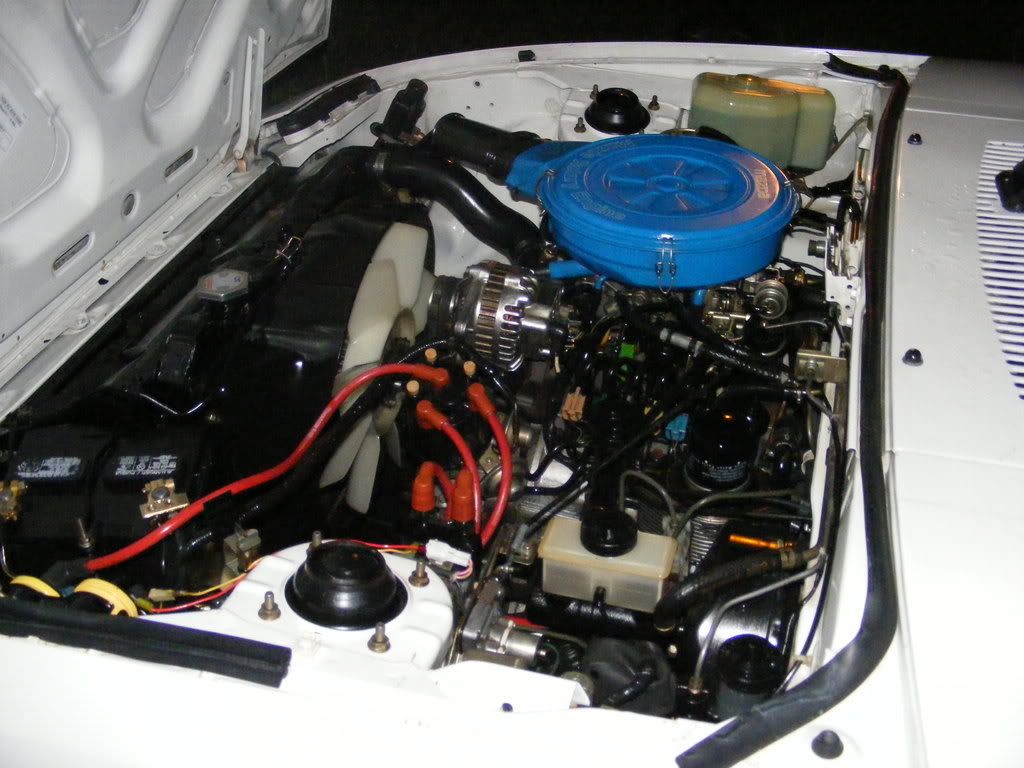
Here check this out, I'm doing a midnight oil change after doing the plugs, cap and rotor:
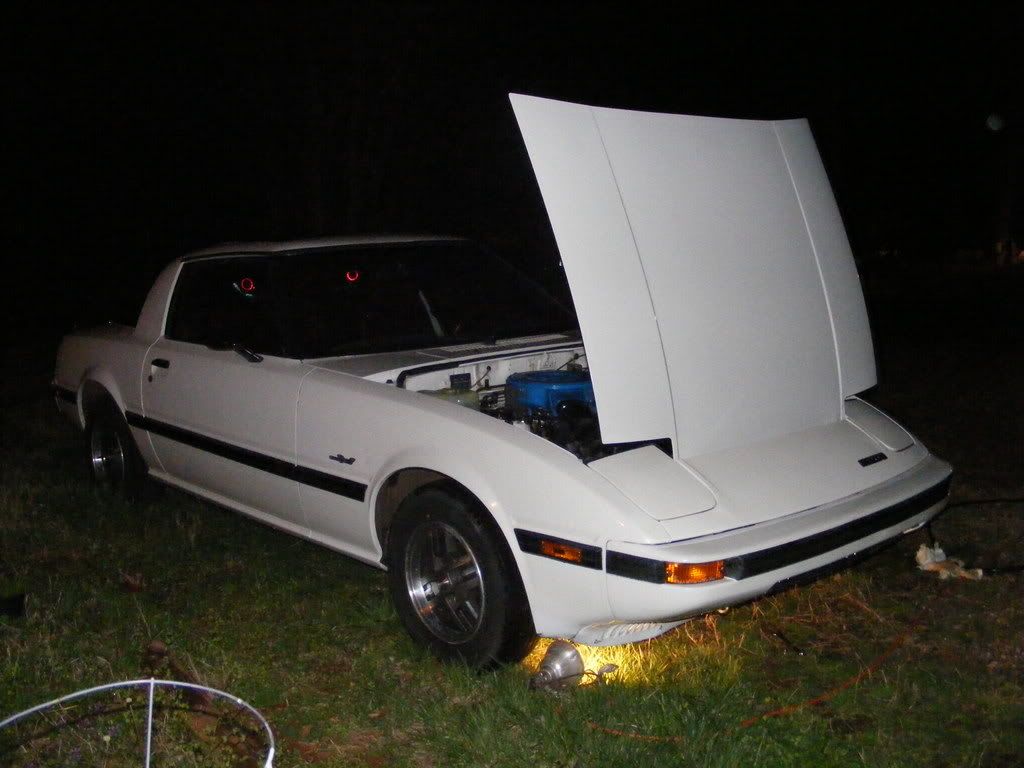
If it fits on the screen you are OK. If it doesn't you need to change your oil.
Did you guys know you can get Denso plugs at Autozone for $1.29 each?? Whoa, who needs NGKs??
If it fits on the screen you are OK. If it doesn't you need to change your oil.
Did you guys know you can get Denso plugs at Autozone for $1.29 each?? Whoa, who needs NGKs??
djessence
Joined: Aug 2007
Posts: 2,063
Likes: 0
From: Alberta, Canada
I thought your car was red?
K we have established that something has changed recently. Nonetheless, those of you with problems, what are you running for resolutions. (you can go to your desktop right click on properties, go to the settings tab and it will say)
I just changed my res down 1 setting and the scroll bar appears for the 1st gen section, the FS section but not 2nd or 3rd.
So try upping your resolution for now. I agree it needs to be resolved because i can imagine it gets irritating
K we have established that something has changed recently. Nonetheless, those of you with problems, what are you running for resolutions. (you can go to your desktop right click on properties, go to the settings tab and it will say)
I just changed my res down 1 setting and the scroll bar appears for the 1st gen section, the FS section but not 2nd or 3rd.
So try upping your resolution for now. I agree it needs to be resolved because i can imagine it gets irritating