Adaptronic Engine Mgmt - AUS Plug-in and wire-in stand alone ECU's for RX-7's

Adaptronic Windows 10?

Thread Tools
 
Search this Thread
 
Old Sep 15, 2015 | 10:29 PM
  #1  
befarrer's Avatar
Thread Starter
Full Member
Tenured Member 05 Years
iTrader: (1)
 
Joined: Apr 2014
Posts: 196
Likes: 2
From: Edmonton, Alberta, Canada
Windows 10?

Just got my e420d, and I wanted to load a basemap on it before I installed it, and I can't get it working on my laptop with stupid Windows 10. It see's the Adaptronic connected in Device Manager, but has no drivers installed and when I go to install the drivers, it says it cannot find it's hash lol. A screen shot of the error is attached. WARI does not see the ECU either, and it is connected to a USB 2.0 port (the one with the blue tab inside the port, maybe its a USB 3.0). The ECU has the power light lit up, and the 5V lit up above the USB connection, nothing else is connected.

Anybody using Windows 10?
Attached Thumbnails Windows 10?-wari-error.jpg  
Reply
Old Sep 16, 2015 | 07:42 AM
  #2  
befarrer's Avatar
Thread Starter
Full Member
Tenured Member 05 Years
iTrader: (1)
 
Joined: Apr 2014
Posts: 196
Likes: 2
From: Edmonton, Alberta, Canada
I got it working. It's the same procedure to get around it as Windows 8, but all the things you have to do in Windows are in a different spot, and more hidden in 10. You have to restart the computer with driver digital signing turned off, then it will ask you if you want to install the driver that is not digitally signed.
Reply
Old Sep 16, 2015 | 05:31 PM
  #3  
Turblown's Avatar
Turn up the boost
Tenured Member: 20 Years
Liked
Loved
Community Favorite
iTrader: (12)
 
Joined: Dec 2001
Posts: 7,174
Likes: 236
From: Twin Cities, MN
Originally Posted by befarrer
I got it working. It's the same procedure to get around it as Windows 8, but all the things you have to do in Windows are in a different spot, and more hidden in 10. You have to restart the computer with driver digital signing turned off, then it will ask you if you want to install the driver that is not digitally signed.
Thank you. We will get a step by step with screen shots next week.
Reply
Old Apr 23, 2016 | 01:33 PM
  #4  
ptrhahn's Avatar
Lives on the Forum
Tenured Member: 20 Years
Liked
Loved
Community Favorite
iTrader: (11)
 
Joined: Feb 2002
Posts: 9,263
Likes: 677
From: Arlington, VA
Is WARI working with Windows 10 yet?

Side note: Is Windows 10 any better than awful 8?
Reply
Old Apr 23, 2016 | 01:35 PM
  #5  
RGHTBrainDesign's Avatar
Banned. I got OWNED!!!
 
Joined: Aug 2012
Posts: 1,666
Likes: 88
From: San Jose, CA
Originally Posted by ptrhahn
Is WARI working with Windows 10 yet?

Side note: Is Windows 10 any better than awful 8?
Windows 10 is VERY good. More efficient than 7, which is pretty nice.
Reply
Old Apr 23, 2016 | 04:36 PM
  #6  
ptrhahn's Avatar
Lives on the Forum
Tenured Member: 20 Years
Liked
Loved
Community Favorite
iTrader: (11)
 
Joined: Feb 2002
Posts: 9,263
Likes: 677
From: Arlington, VA
Does it work with Adaptronic? Do I have to start over with the drivers and all of that?
Reply
Old Apr 24, 2016 | 10:32 AM
  #7  
Senior Member
Veteran: Navy
Tenured Member 20 Years
iTrader: (2)
 
Joined: Apr 2003
Posts: 417
Likes: 14
From: Bremerton, WA
use the same method of getting wari to work with win8 and your good to go.
Reply
Old Apr 24, 2016 | 01:12 PM
  #8  
ptrhahn's Avatar
Lives on the Forum
Tenured Member: 20 Years
Liked
Loved
Community Favorite
iTrader: (11)
 
Joined: Feb 2002
Posts: 9,263
Likes: 677
From: Arlington, VA
WARI just magically stopped recognizing my ECU and I downloaded Eugene and it loaded right up without doing anything.

But I can tell if it's running the map that was in my ECU or what. And the love gauges don't work/look at all like the tutorial video.

This is in Windows 8 still.
Reply
Old Apr 24, 2016 | 08:40 PM
  #9  
shawnm565's Avatar
Rotary Enthusiast
Tenured Member 05 Years
iTrader: (3)
 
Joined: May 2011
Posts: 889
Likes: 14
From: Minnesota
The live gauges in Eugene have been disabled has a few bugs are worked out.

Here is the windows 8.0 and new walk through;

Windows 8 and 8.1 Adaptronic Select Driver install
Reply
Old Apr 24, 2016 | 10:04 PM
  #10  
ptrhahn's Avatar
Lives on the Forum
Tenured Member: 20 Years
Liked
Loved
Community Favorite
iTrader: (11)
 
Joined: Feb 2002
Posts: 9,263
Likes: 677
From: Arlington, VA
Is there a driver tutorial for Windows 10? If I'm going to do it all over again, I might as well upgrade first.
Reply
Old Apr 25, 2016 | 07:05 AM
  #11  
Senior Member
Veteran: Navy
Tenured Member 20 Years
iTrader: (2)
 
Joined: Apr 2003
Posts: 417
Likes: 14
From: Bremerton, WA
Don't do the upgrade for win 10. Do a clean install. the upgrade has been around 50/50 if you'll have problems or not. then you'll hate win 10 if your one of those.
Reply
Old Dec 19, 2020 | 12:27 PM
  #12  
DC5Daniel's Avatar
Rotary Freak
Tenured Member 10 Years
iTrader: (10)
 
Joined: Jul 2012
Posts: 1,631
Likes: 89
From: Peachtree City, GA
I wanted to repost/update the instructions for how to install the Adaptronic drivers for the older ECUs on Windows 10. We still use a Select PnP and ran into this issue last week when setting up a new tuning laptop.

The original instructions were posted on the now defunct Adaptronic forum; luckily, the thread was archived by WaybackMachine. The details are different for Windows 10, but close enough to reference:
https://web.archive.org/web/20160326...p?topic=6079.0


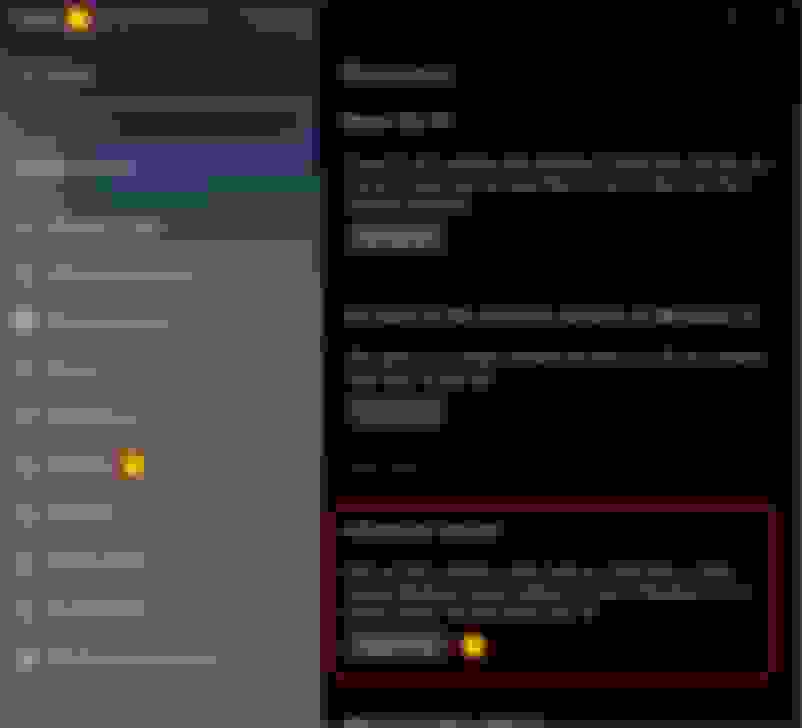
DISABLE DRIVER SIGNATURE ENFORCEMENT

Navigate to Settings >>> Recovery >>> Advanced Startup >>> Restart Now


Select Troubleshoot


Select Advanced Options


Select Startup Settings


Select Restart


Press number key 7 or F7 to Disable Driver Signature Enforcement.
PC will reboot with driver signature enforcement disabled until next reboot.


INSTALL ADAPTRONIC DRIVER

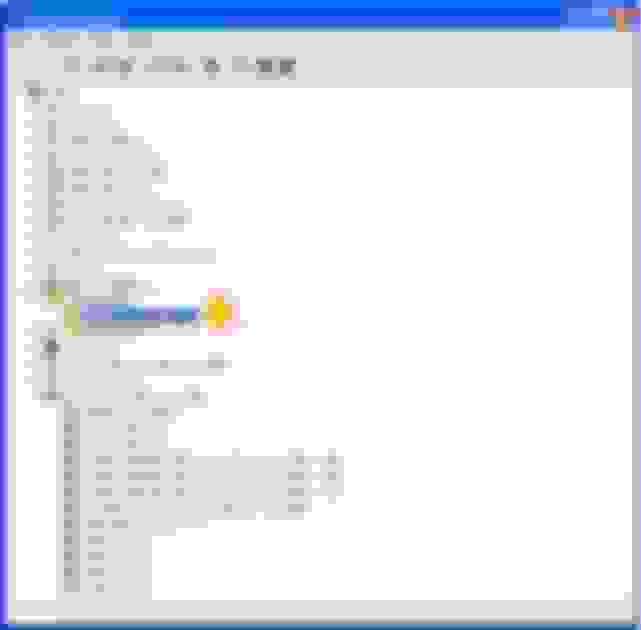
Connect ECU via USB. Open Device Manager. Locate your ECU (there will be warning flag next to the device indicating a driver issue).
Right click >>> Update Driver.


Select Browse My Computer For Driver Software


Ensure Include Subfolders is checked.
Select Browse and locate the "Adaptronic Engine Management" folder. Select the Signed Drivers folder.

Note: This location can change depending on what path you chose at install and if you have 32 or 64bit OS. Typically this will be found in Program Files or Program Files (x86).


When prompted with a Windows Security warning select Install This Driver Software Anyway.


After successful driver installation, Device Manager will recognize that ECU is connected with no driver error.

Hope this is helpful for the few still enjoying and using the older ECUs.


Reply
Old Dec 21, 2020 | 07:03 AM
  #13  
trackjunkie's Avatar
Junior Member
 
Joined: Jul 2020
Posts: 36
Likes: 11
From: PA
Originally Posted by DC5Daniel
I wanted to repost/update the instructions for how to install the Adaptronic drivers for the older ECUs on Windows 10. We still use a Select PnP and ran into this issue last week when setting up a new tuning laptop.

The original instructions were posted on the now defunct Adaptronic forum; luckily, the thread was archived by WaybackMachine. The details are different for Windows 10, but close enough to reference:
https://web.archive.org/web/20160326...p?topic=6079.0
did you get Eugene to work with select ECU or using WARI?
Reply
Old Dec 21, 2020 | 11:45 PM
  #14  
DC5Daniel's Avatar
Rotary Freak
Tenured Member 10 Years
iTrader: (10)
 
Joined: Jul 2012
Posts: 1,631
Likes: 89
From: Peachtree City, GA
Originally Posted by trackjunkie
did you get Eugene to work with select ECU or using WARI?
We started with WARI (when it was the only option), but have been using Eugene for years with the Select.
Reply
Old Dec 22, 2020 | 07:41 PM
  #15  
trackjunkie's Avatar
Junior Member
 
Joined: Jul 2020
Posts: 36
Likes: 11
From: PA
Originally Posted by DC5Daniel
We started with WARI (when it was the only option), but have been using Eugene for years with the Select.
ok, I'll try the instruction above to get Eugene working with my Select ecu. thanks.
Reply
Old May 19, 2022 | 10:44 PM
  #16  
RA12124's Avatar
Banned
iTrader: (1)
 
Joined: Apr 2012
Posts: 1,079
Likes: 68
Dragging up this thread because I just picked up a new laptop and sure enough, it won’t connect to my ECU. Windows 11. I rebooted with driver signing turned off and was able to run the Eugene Driver install wizard, however it doesn’t use the driver when I connect the ECU. Any suggestions?



Reply
Related Topics
Thread
Thread Starter
Forum
Replies
Last Post
DocHoliday89
Power FC Forum
11
Feb 18, 2018 01:35 AM
turbojeff
3rd Generation Specific (1993-2002)
8
Oct 5, 2015 10:50 AM


All times are GMT -5. The time now is 12:09 AM.